If you’re adventurous, if you POTA on the go, there’s a new park-planning map for you. https://potamap.us
The brain child of N9FZ, Cainan Whelchel, it’s an online map tool that gives us another look at the yellow dots on the pota.app map page. With a few pleasing add ons.
I categorize POTA map tools in two categories – For navigation and for Map Recon,
For navigation, I rely mostly on my iPhone. I just put the name of the park in the search bar and go- just like any other location. Not all “parks” are parks and the Wildlife Management areas can be tricky. For those, I can copy the Latitude / Longitude location from the POTA entity page and paste it into the iPhone maps app. That’ll usually get me pretty close, but I’ve learned it’s worth a little planning beforehand.
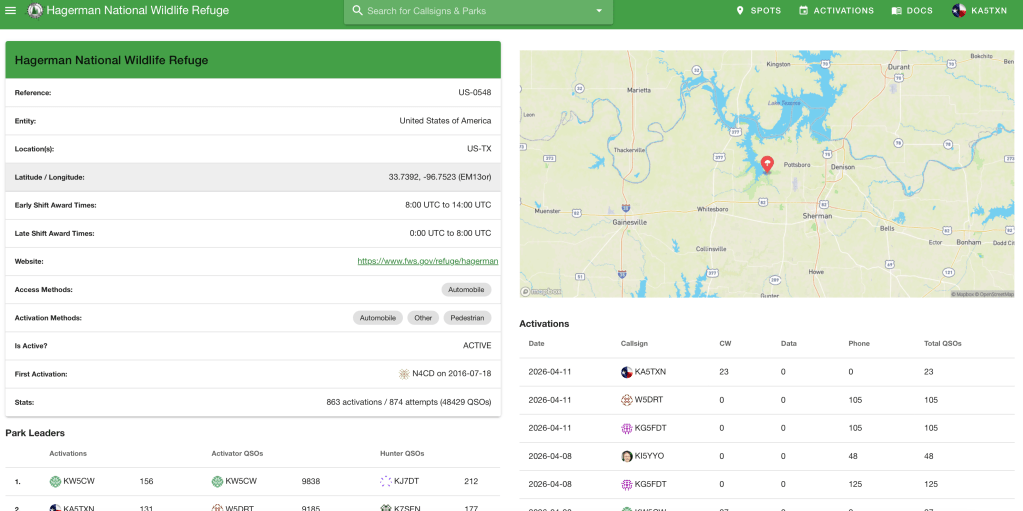
Google maps allows us to download a parks list from POTA.app and import it into google maps as an overlay. It shows the dots. Click on one and it can give real-time, turn by turn directions. This post gives a deeper look into using the parks overlay with google maps.
When I invest time and money into a road trip, I don’t want to waste it driving around looking for the right gate. And with WMAs it can be a little sketchy deciding if you’re even on the property. “Well? It looks pretty parkish”.
Map Recon: I’ve learned to plan park activations with what the Marines call “Map Recon”. At least they called it that in the old paper map days. Map Recon is exactly what it sounds like – looking at a map – but, it has some key elements beyond just looking. It’s checking the map with the purpose of planning a route, identifying waypoints and steering points, identifying risks, and planning alternate routes and contingencies.
For me, I’m looking for the best way to get there and if the dots are close, I’m looking for twofers where the property boundaries of two entities overlap. Friend, you have to juggle some maps and resources to do that – google maps, park maps, official public lands maps. There’s allot. And don’t get me started on public trails. They have their own web sites and maps.
POTAmap combines allot of this onto one page. It has yellow dots showing the POTA entities. It draws the entity boundaries and it shows the National Park Trails. This is as close to a One Stop Shop for POTA map recon as it gets right now.
Navigate to https://potamap.us. If it asks to share your location, just say yes. Everybody already knows where you live. It’ll look something like this.
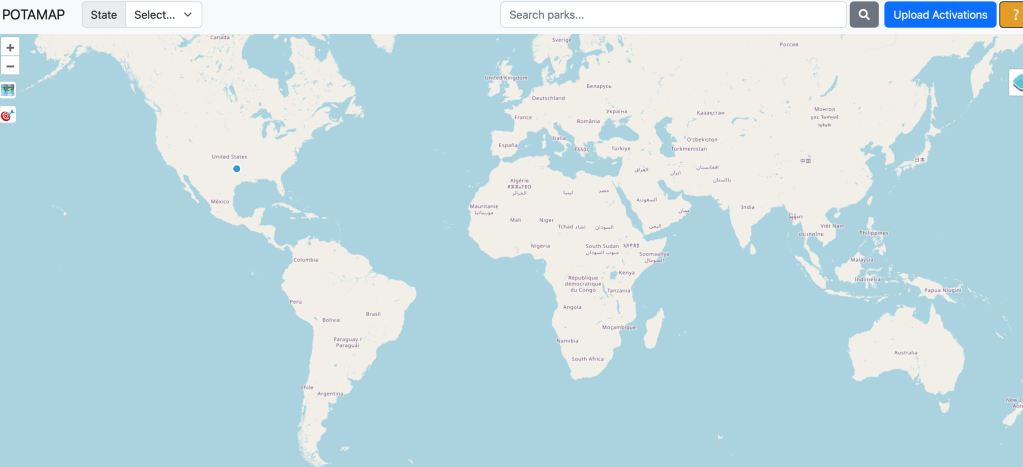
In the state dropdown find the state you’re activating and select it.
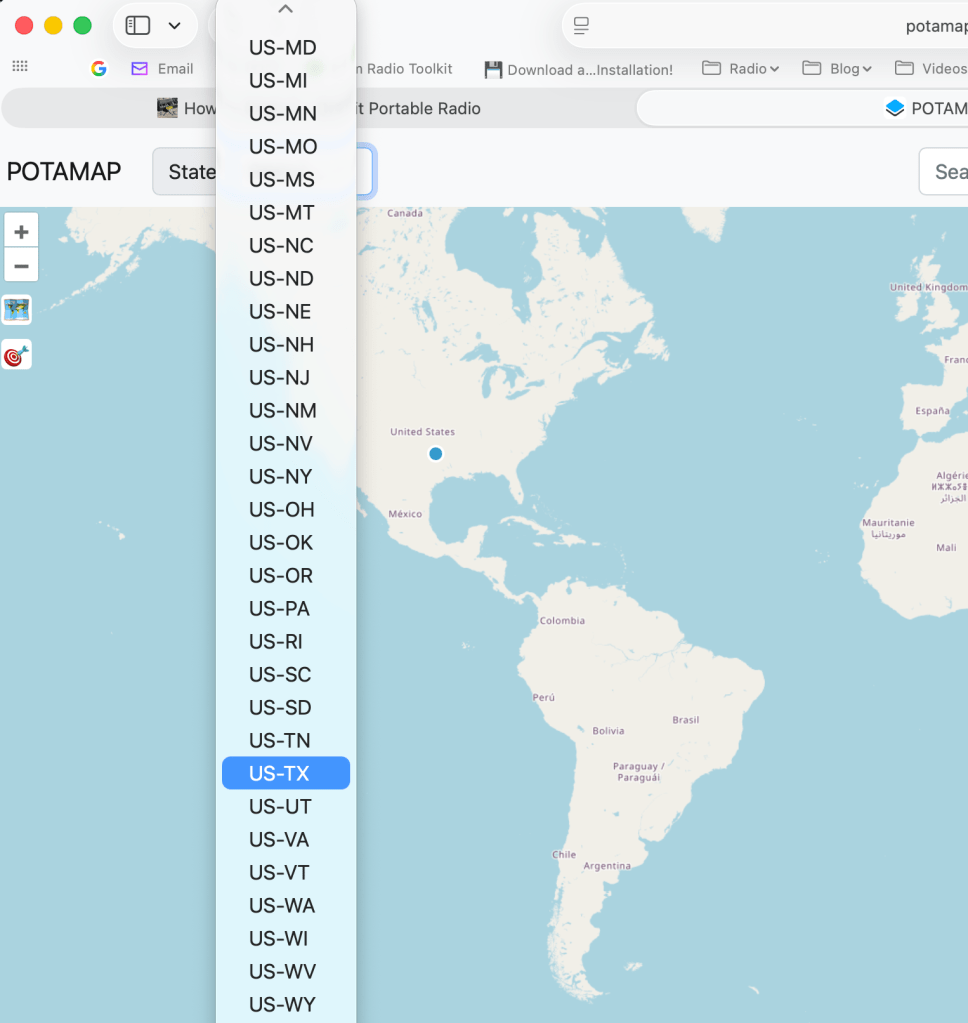
It’ll zoom in on that state. If it doesn’t show the parks, click the little square map icon on the left to Toggle Map Display and the dots will show up.
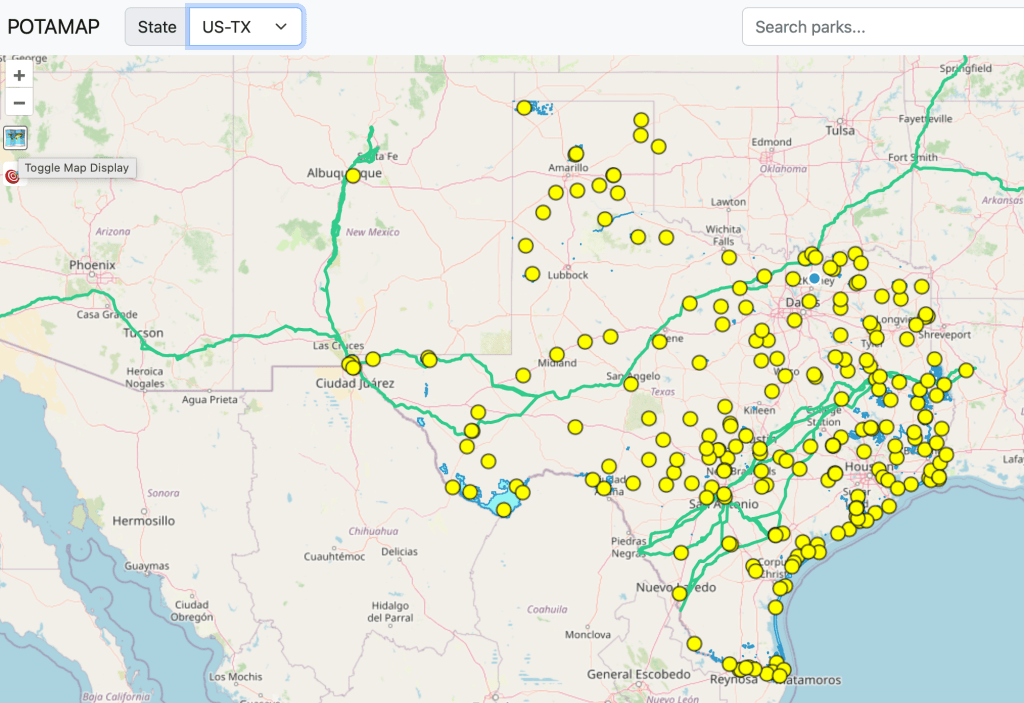
The dots are POTA entities and the bold green lines are the national trails. Click a dot and the entity name and number will pop up. Zoom in and you can see the boundaries.
When you mouse over the park dot, the property changes to a darker green color to show the contiguous boundaries of the property.
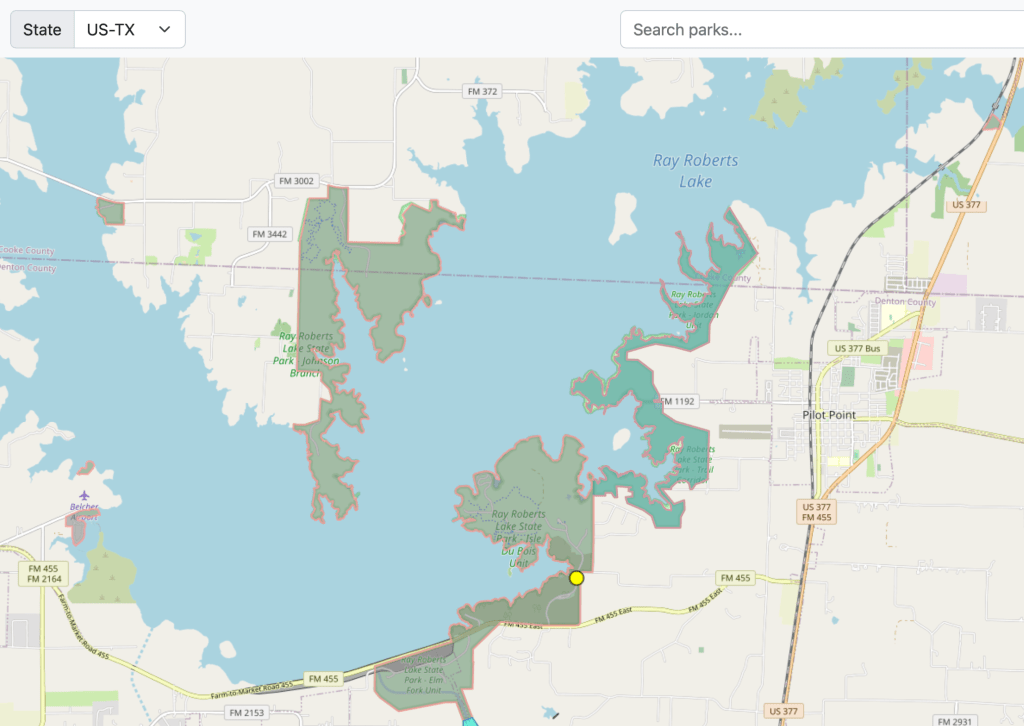
First time on this tool and I immediately learned that I don’t know enough about the Lake Ray Roberts State Park property. I didn’t know about the little spots in the upper right and far left of the screen grab above.
Twofers: Note, the boundaries shown are helpful, but they’re not the final answer for twofers. After all, it’s not uncommon to see state owned property within the boundaries of a national park. In these cases, those are two separate public properties so I’m cautions to call them twofers. In the end, it’s an honor system and we all measure our own honor. Sadly some think honor means, “if no one complains”.
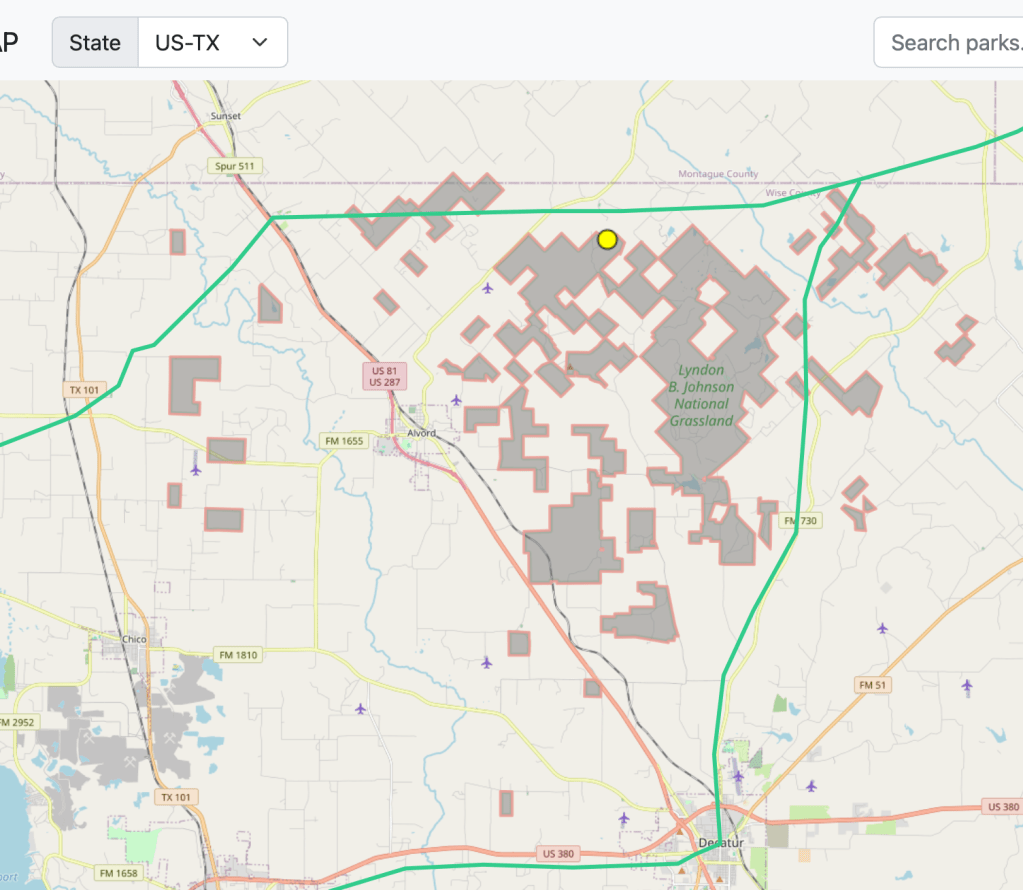
How it shows the national trails on the same map as the dots and the park boundaries is fantastic. Those usually ARE twofers since the National Trails folks don’t own or try to manage the real estate it crosses. So where we see a trail crossing another park, I’m confident calling a twofer. Just the quickest look shows the Butterfield Stage trail crossing the LBJ grasslands. I wonder if there’s a picnic table there.
My goto for park boundaries has been a public lands overlay on my handheld Garmin GPS. I wouldn’t give it away because POTAmaps is here, but it’s nice to see a screen bigger than a paper matchbook. (And it doesn’t need WiFi or cell coverage)
POTAmap isn’t the end-all-be-all to navigating and planning POTA adventures. But, to me, how it combines several valuable resources into a single tool makes it really powerful. Take some time looking it over just for fun. I bet it’ll plant the seed of some future POTA adventure.
If you like what you see, buy N9FZ, Cainan Whelchel, a coffee. It’s only $5 and who knows what a little encouragement will do!
TNX ES 73
KA5TXN
DitWit

 DitWit Portable Radio
Leave a comment