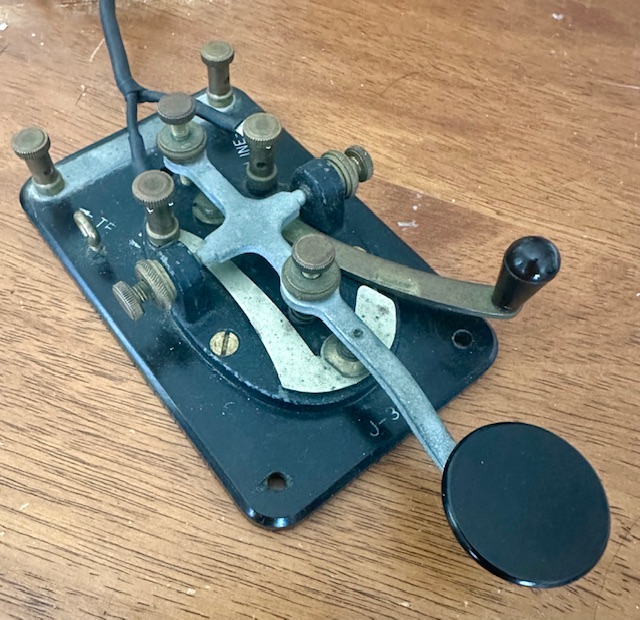
There’s a load of tools online for learning Morse Code – some are helpful and some are not. I’ve challenged and improved my copy with the tools below.
Interesting to me, the code translator does two things I value. It allows you to paste plain text into an input box and it produces a downloadable sound file. So…… I can input text from an article I haven’t read and download a sound file to my phone for offline practice.
https://morsecode.world/international/translator.html is a free, online Morse Code translator. It converts text to Morse Code and allows you to download the code in a wave file.

You can type directly or paste into the Input box. Click the play button and it plays the code. Click the “Download Audio” button and it downloads an audio file in .wav format.
The “Configure” button opens an interface that allows you to adjust several things, importantly, character speed and Farnsworth speed. Setting character speed to 13 sends the code at 13wpm. Adjusting Farnsworth speed adjusts the spacing between characters. Play with it.
As for the portability of the audio files, .wav format makes large files that take up more space and challenge the emailing process. A smaller, more portable format is .mp4. Below is a link to an online audio file converter to convert the .wav files to .mp4.
https://www.freeconvert.com/wav-to-mp4/download converts wave file to mp4.
CU AGN ES 73,
KA5TXN Mark
DitWit

 DitWit Portable Radio
Leave a comment